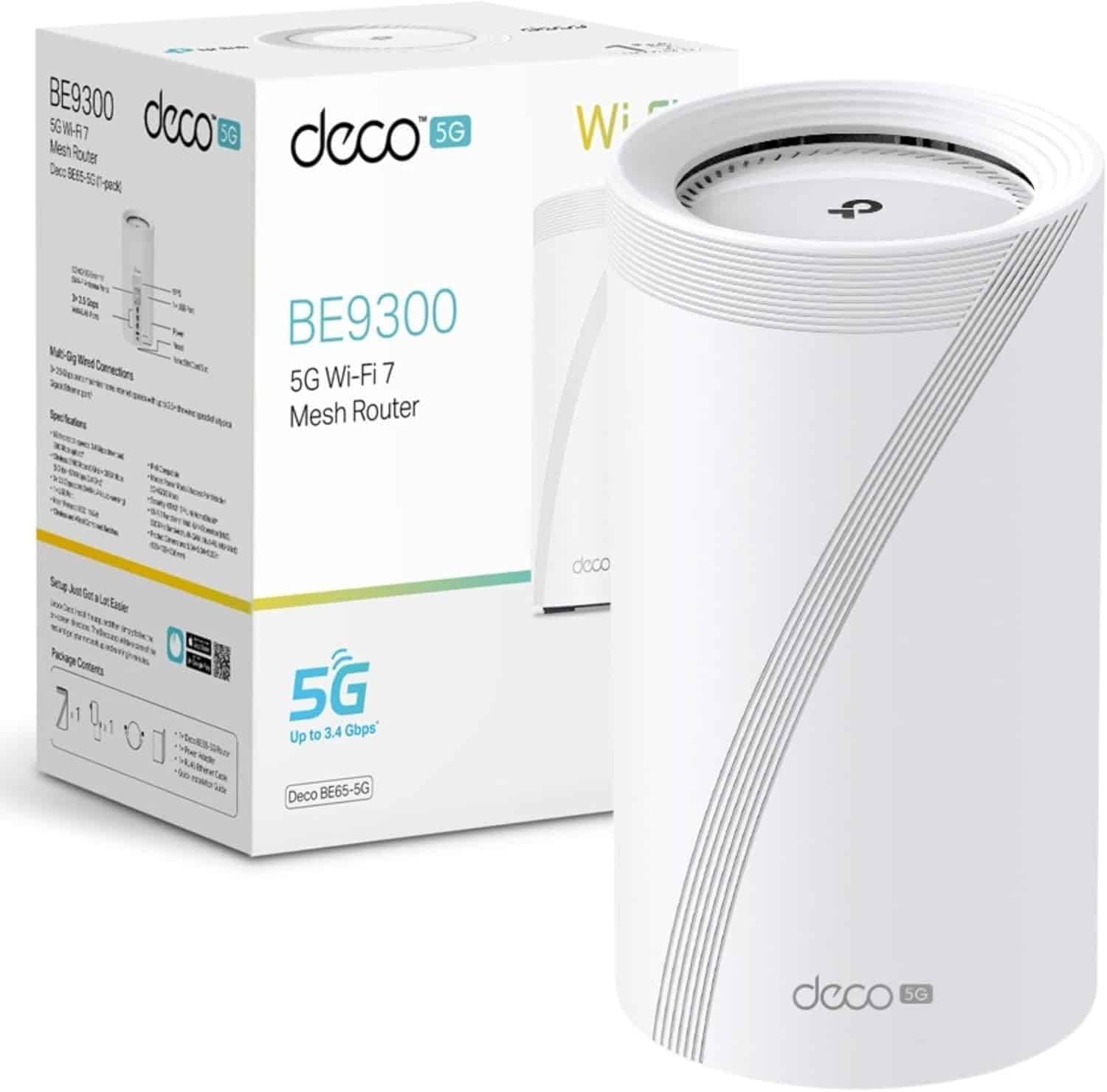
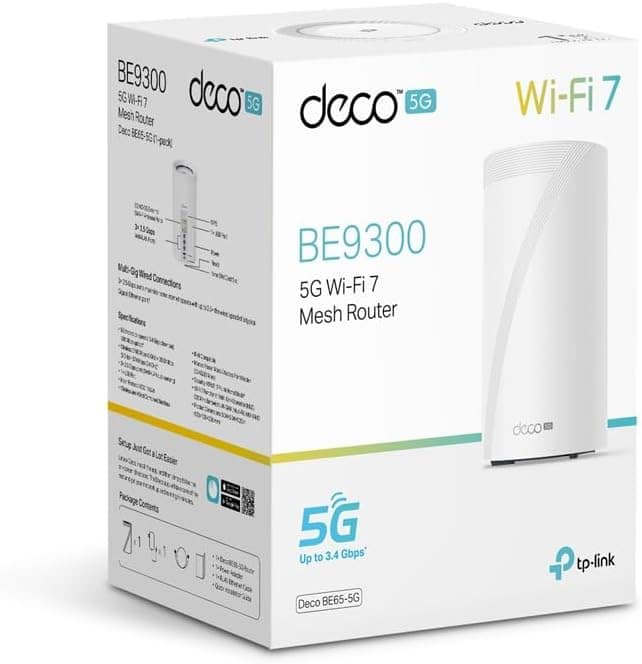
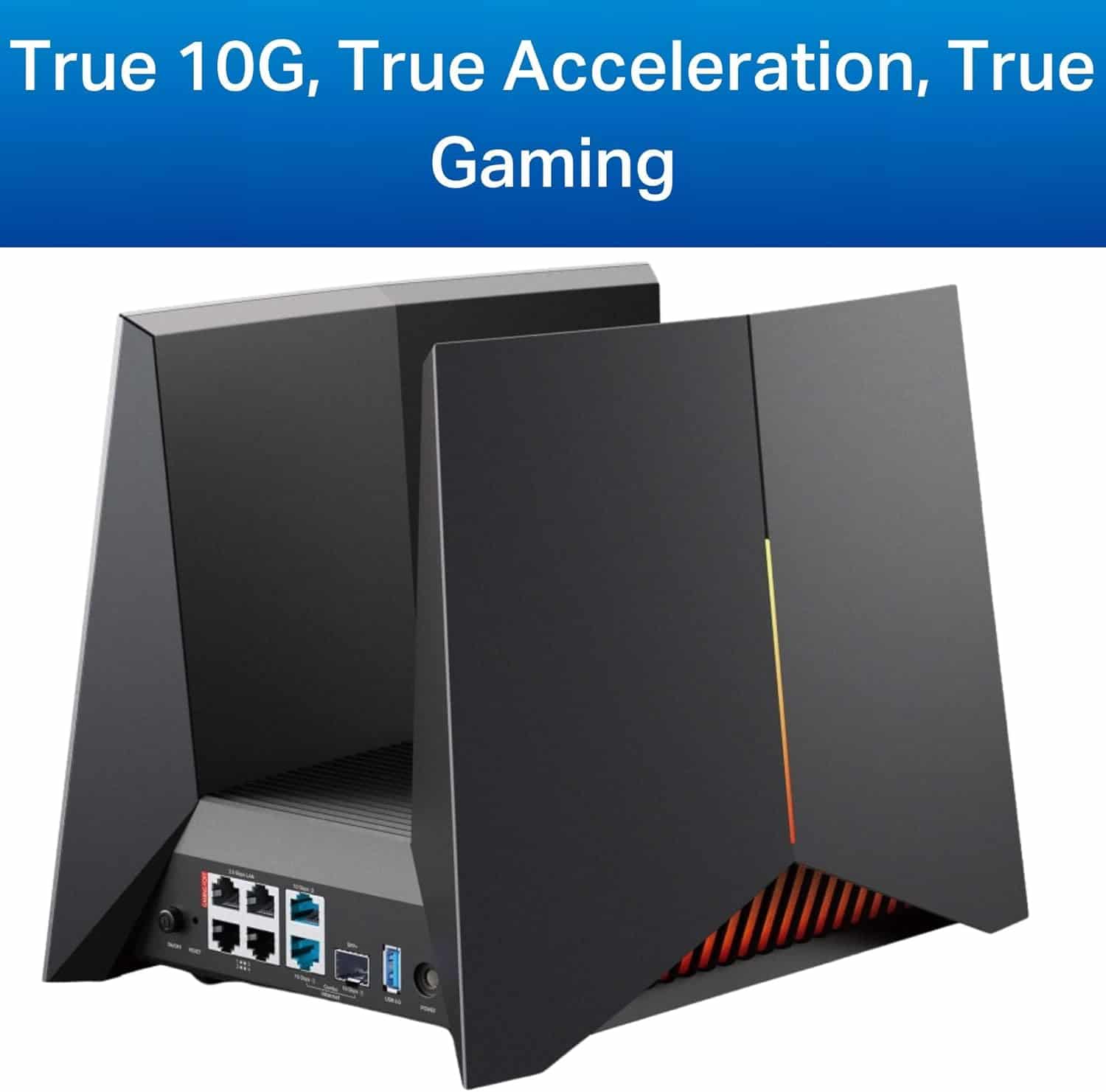

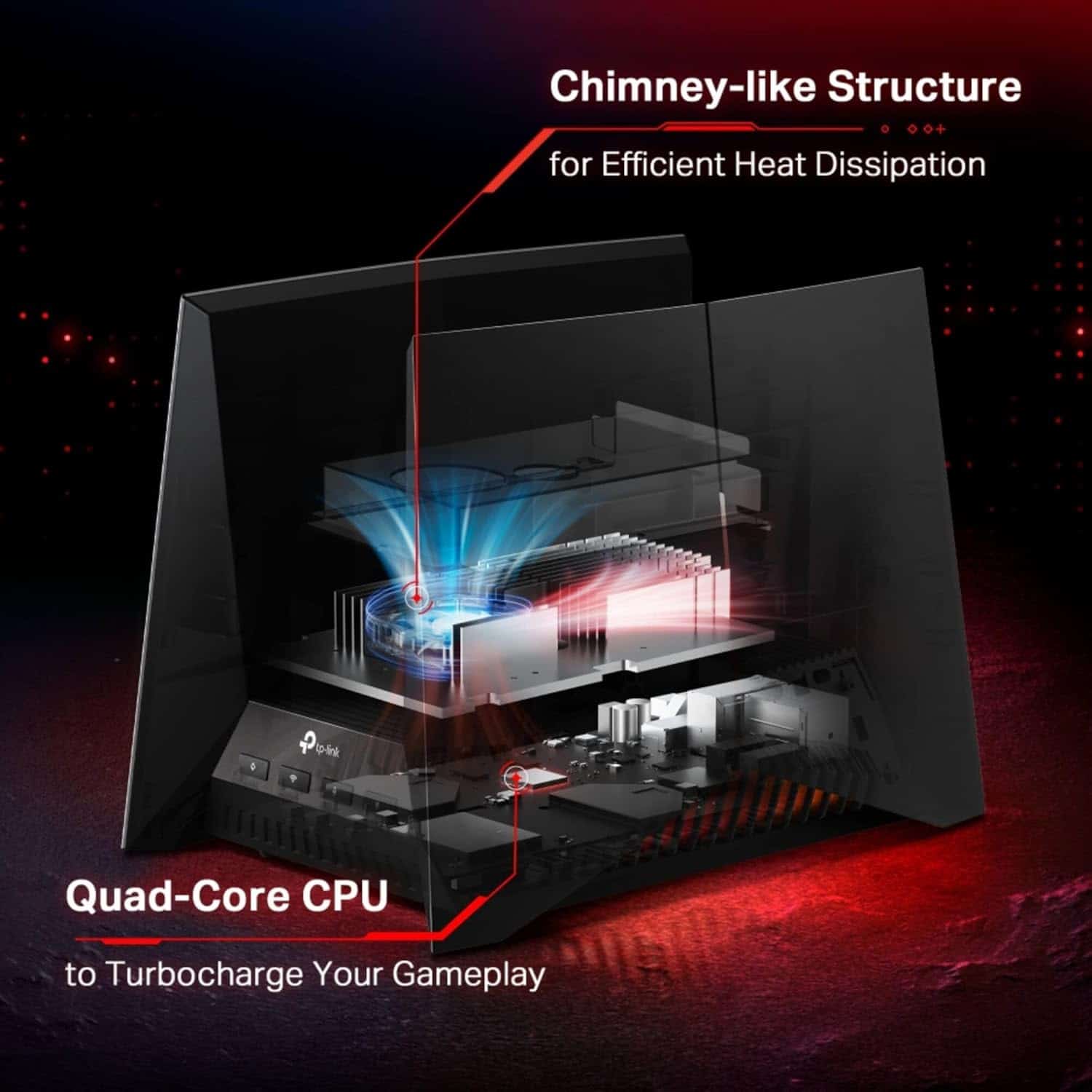
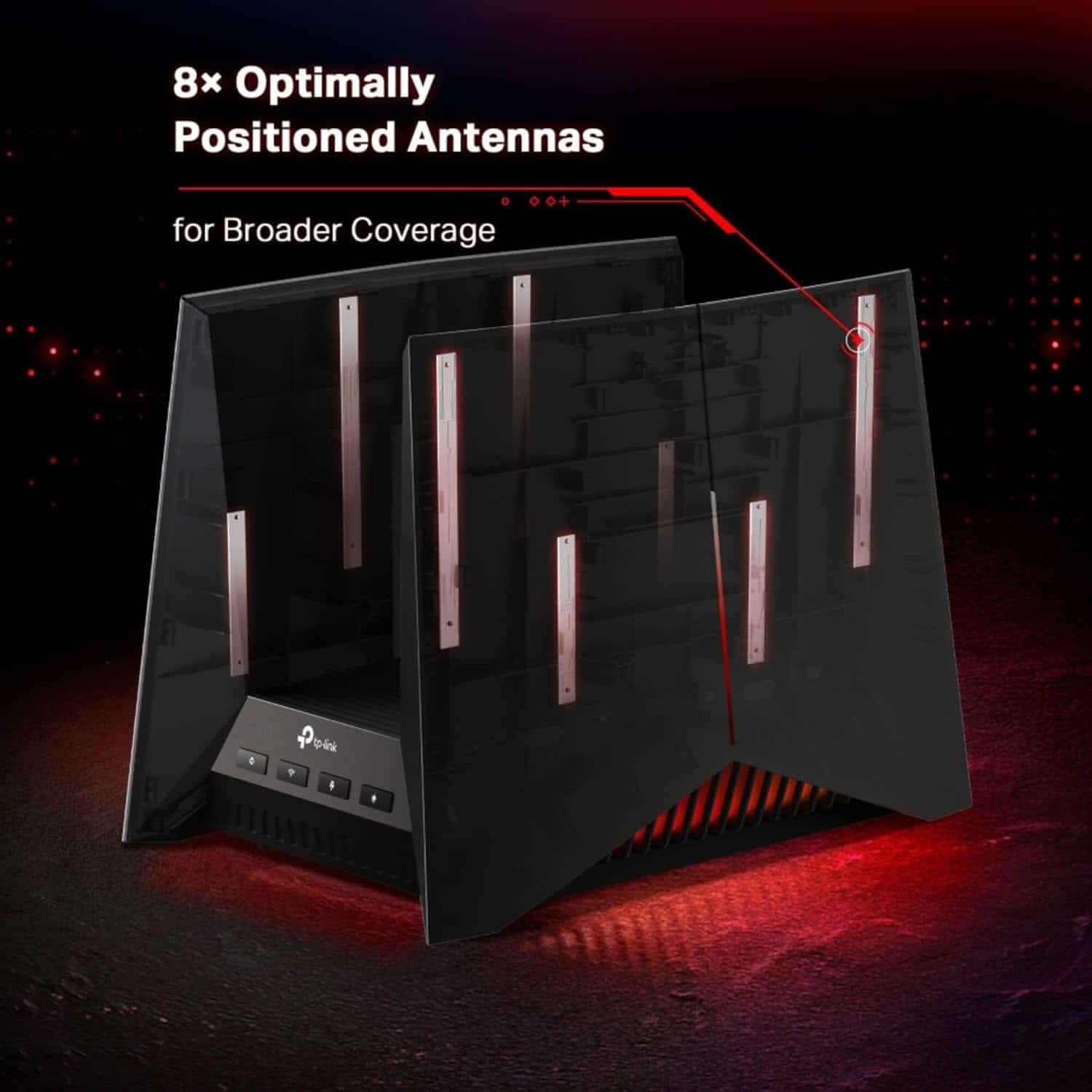

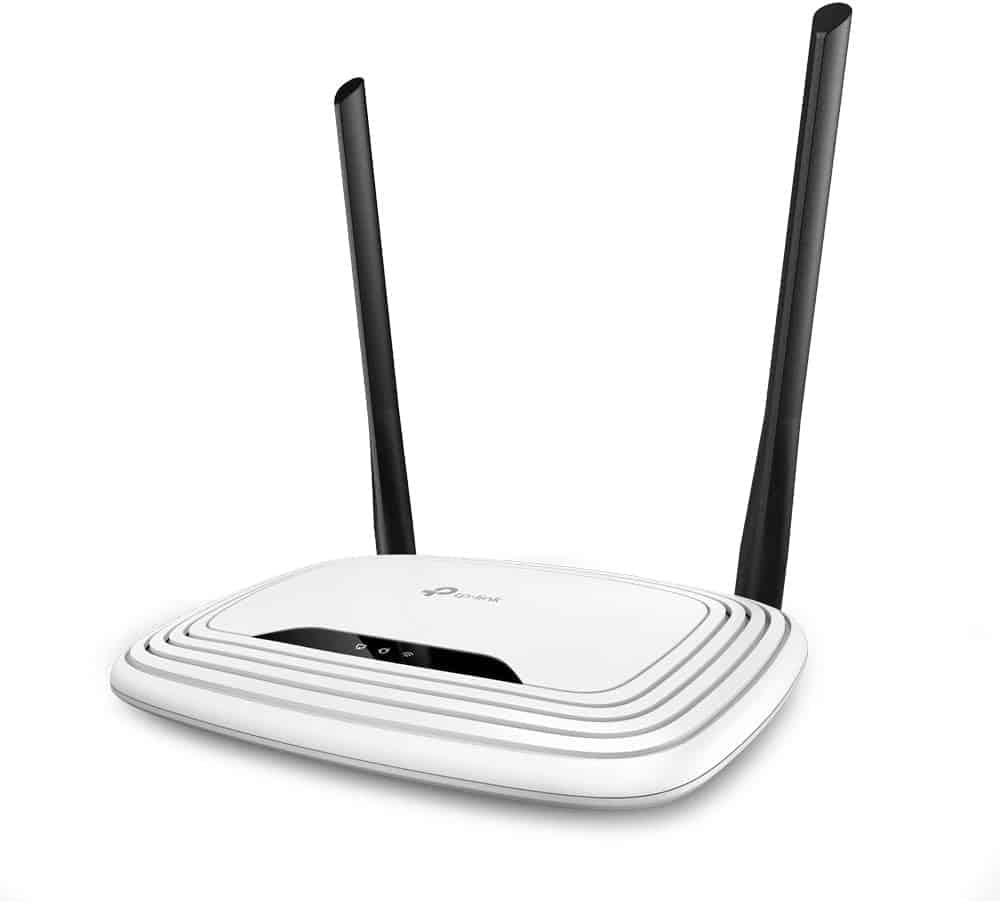
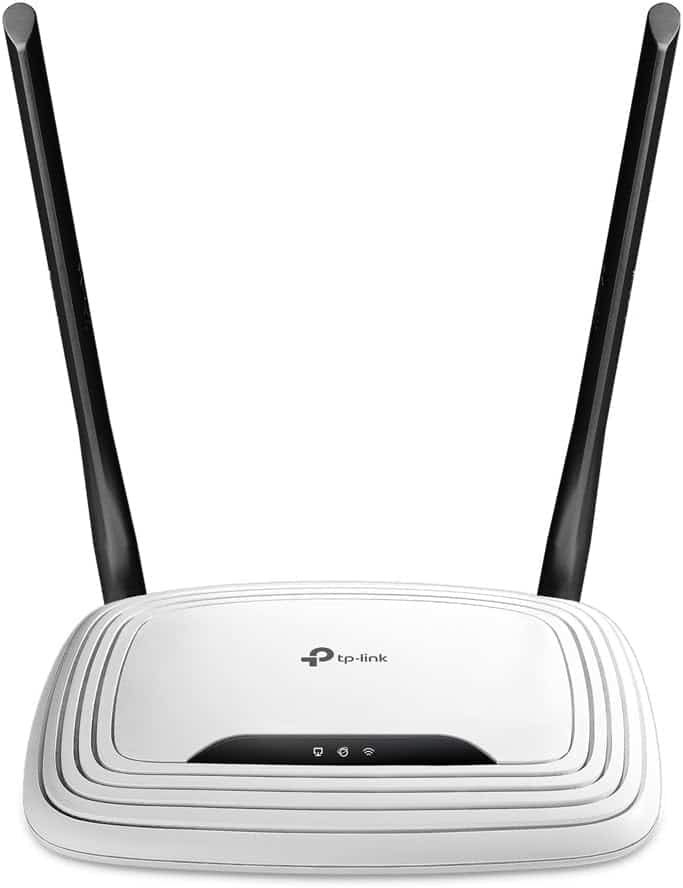
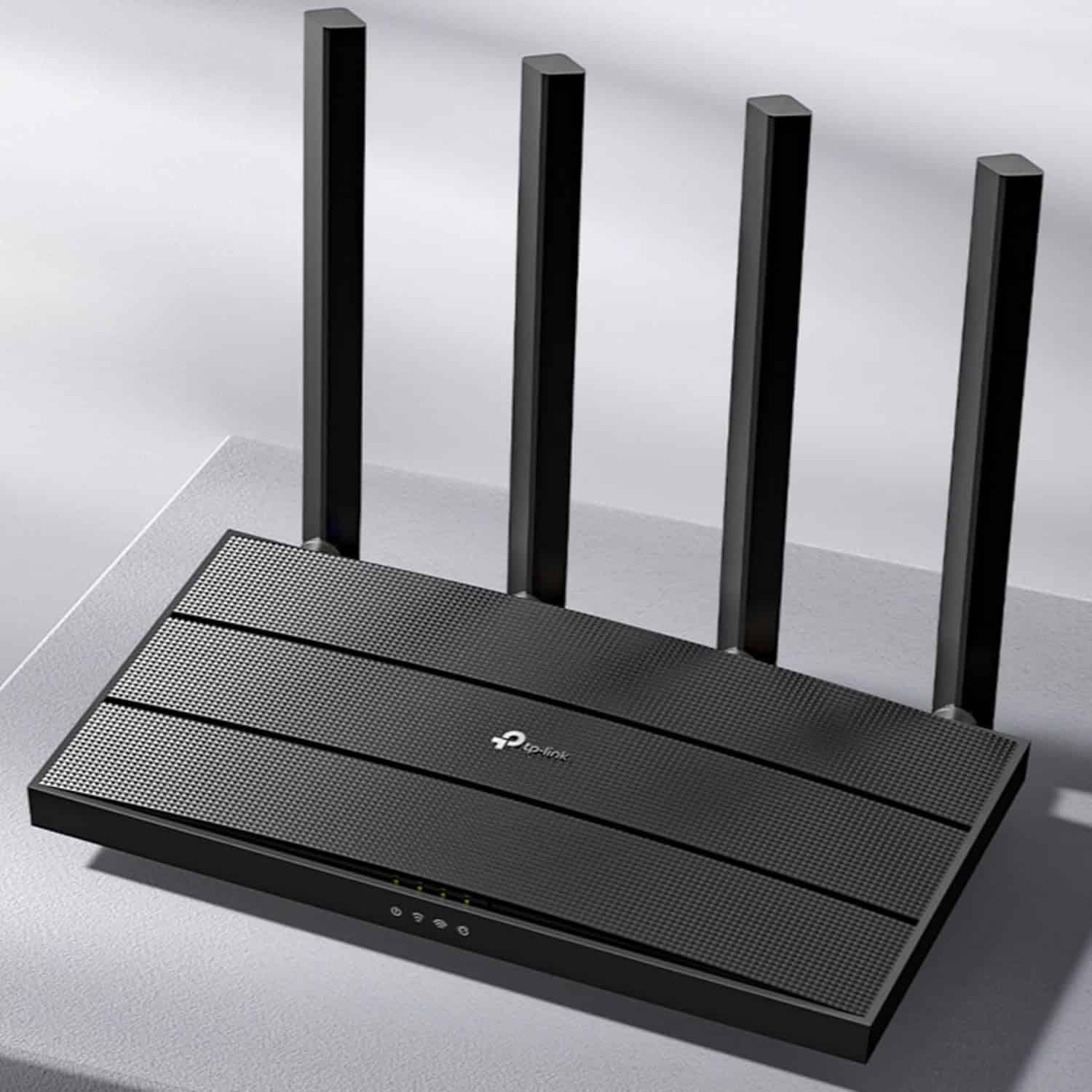


5G Whole Home Mesh Tri-Band AI-Driven WiFi Booster Router: TP-Link Deco BE65 5G(1-pack) Whole Home Mesh Wi-Fi 7 System, BE9300 Tri-Band WiFi Booster, AI-Driven WiFi Router, Connect Over 200 Devices, 2.5G Connectivity Wired & Wireless, Gaming & 4K, Easy Setup
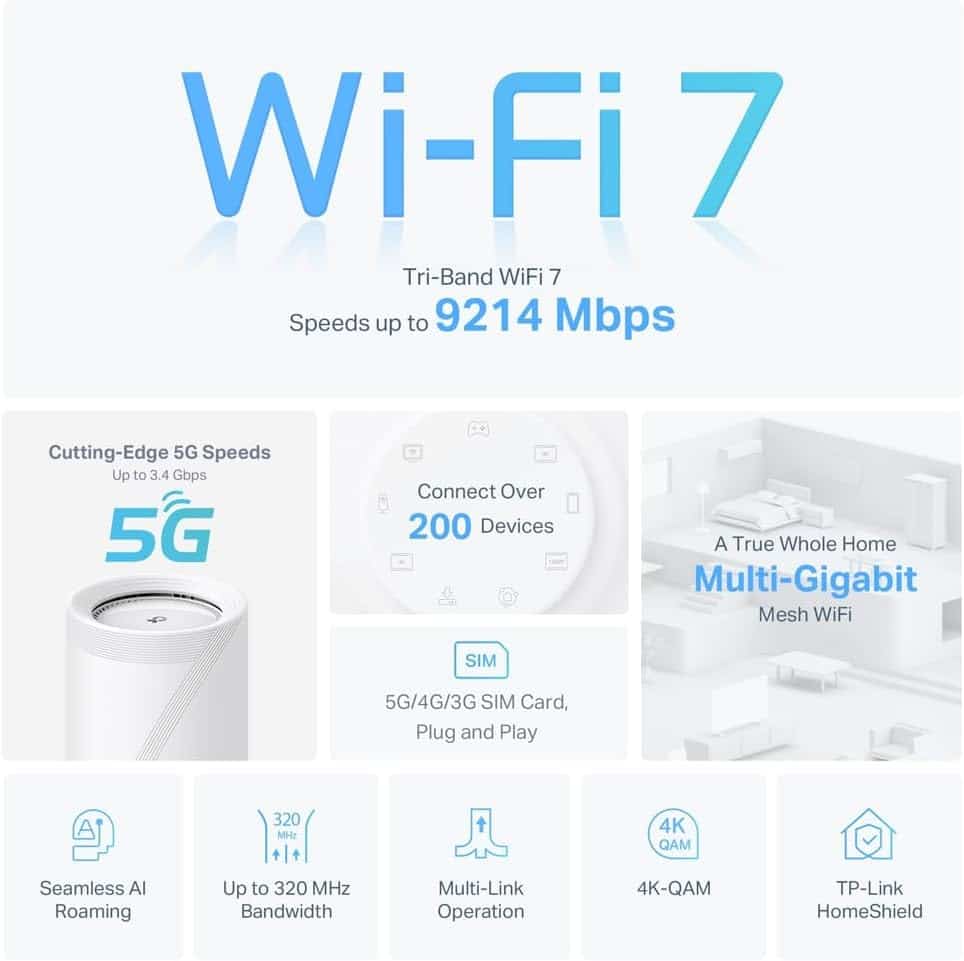
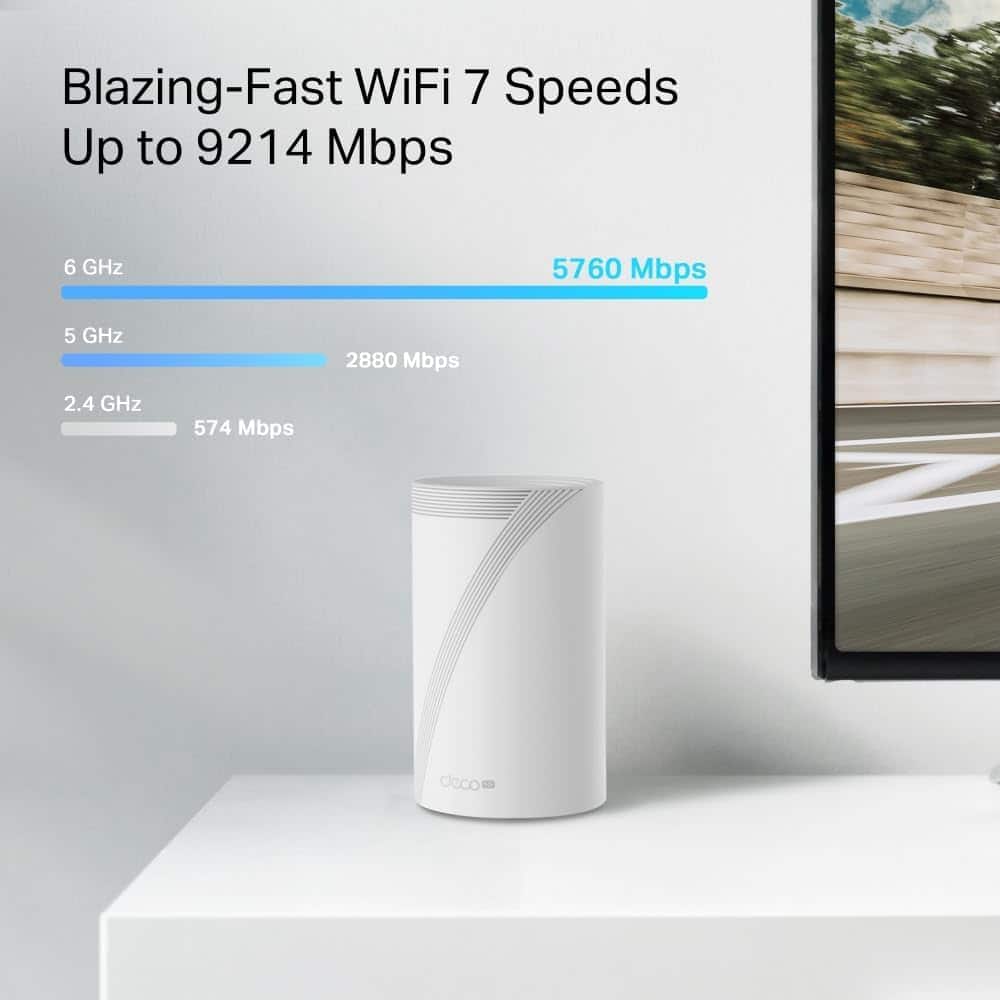
- 9214 Mbps Tri-Band WiFi – 5760 Mbps (6 GHz) + 2880 Mbps (5 GHz) + 574 Mbps (2.4 GHz)
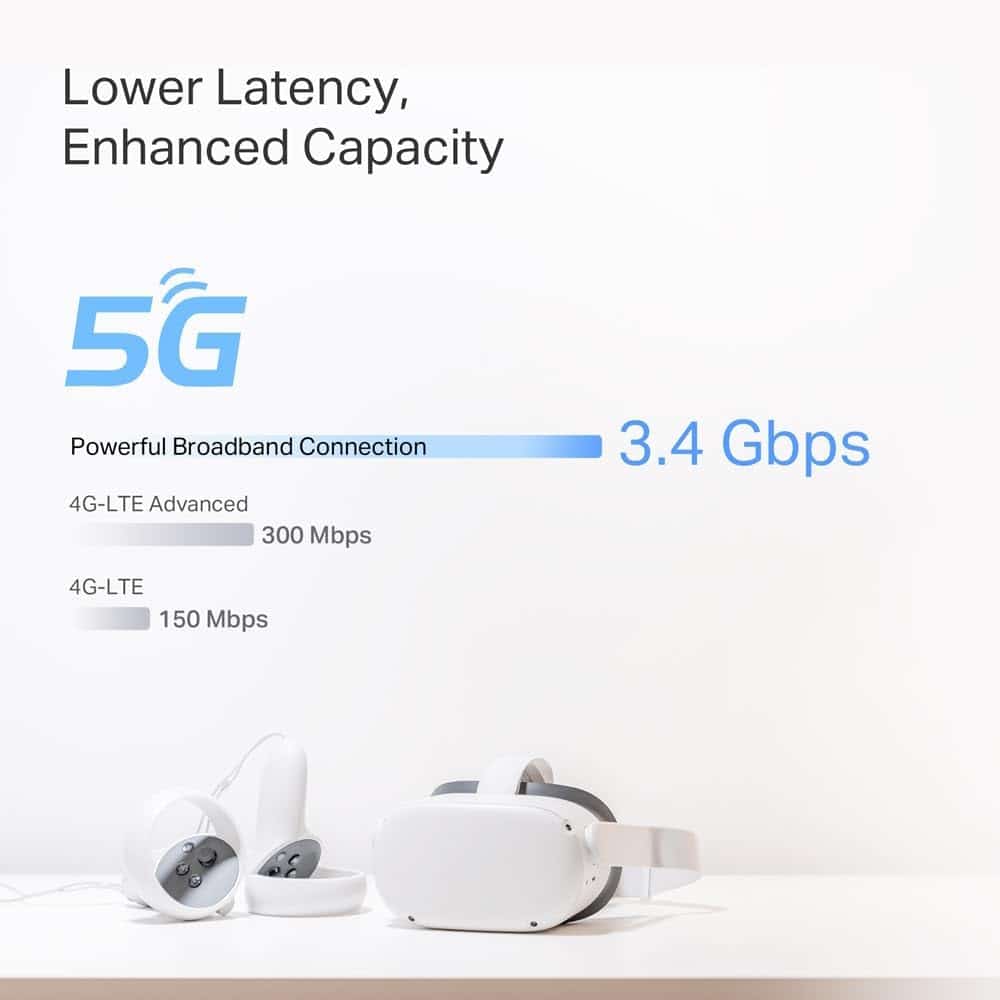
- Ultra-Fast 5G Connection – Supports Sub-6 GHz 5G technology and boosts download speeds up to 3.4 ps
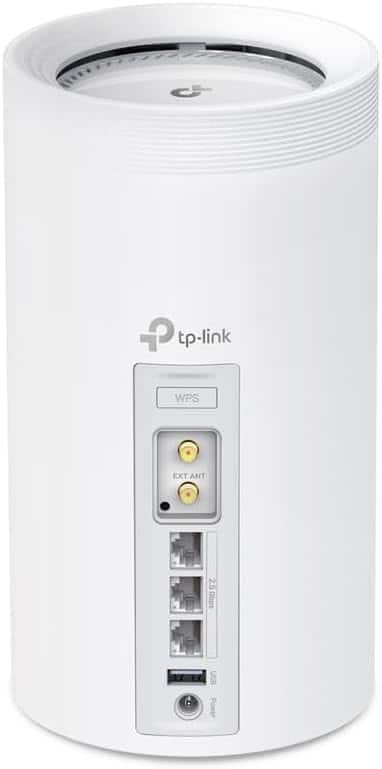
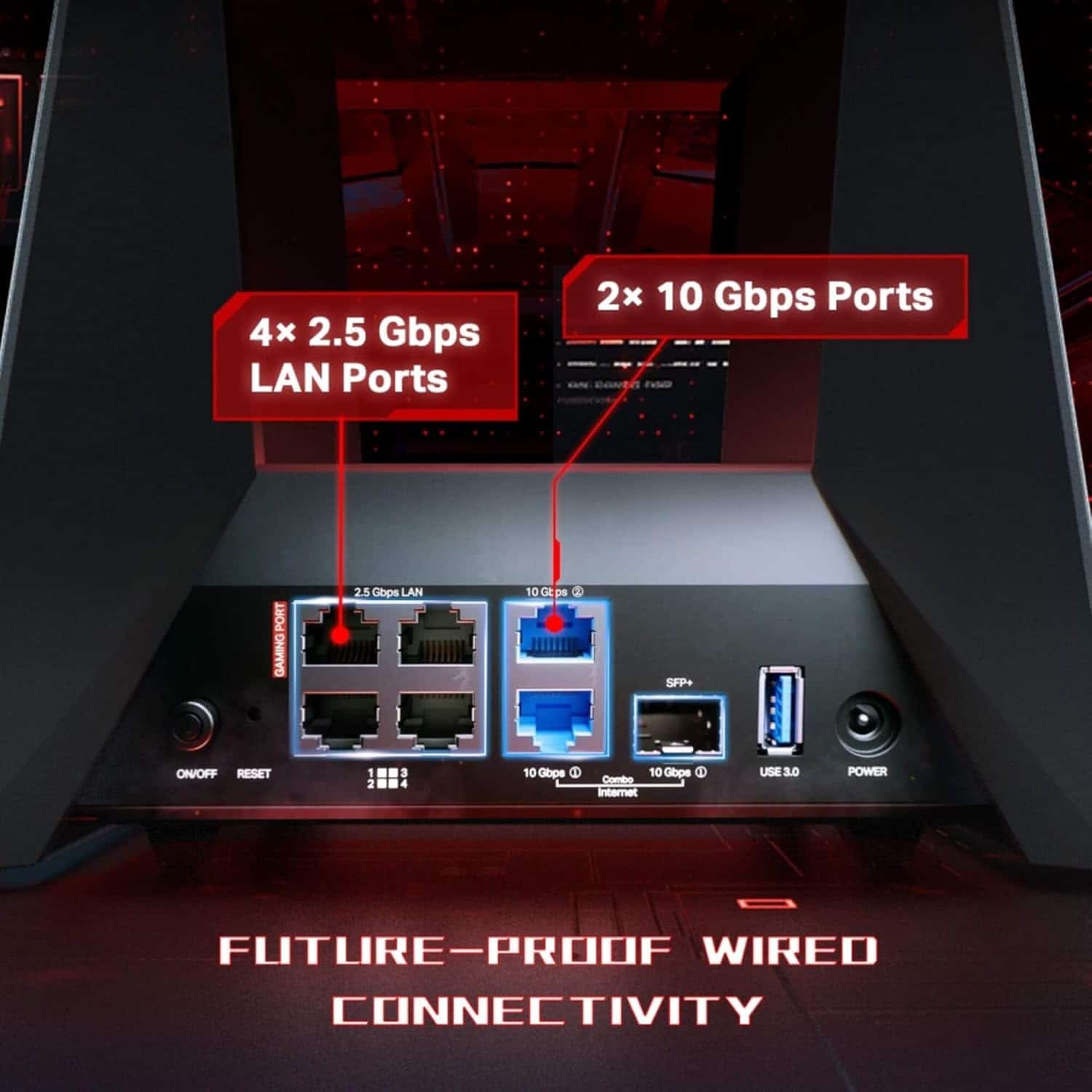
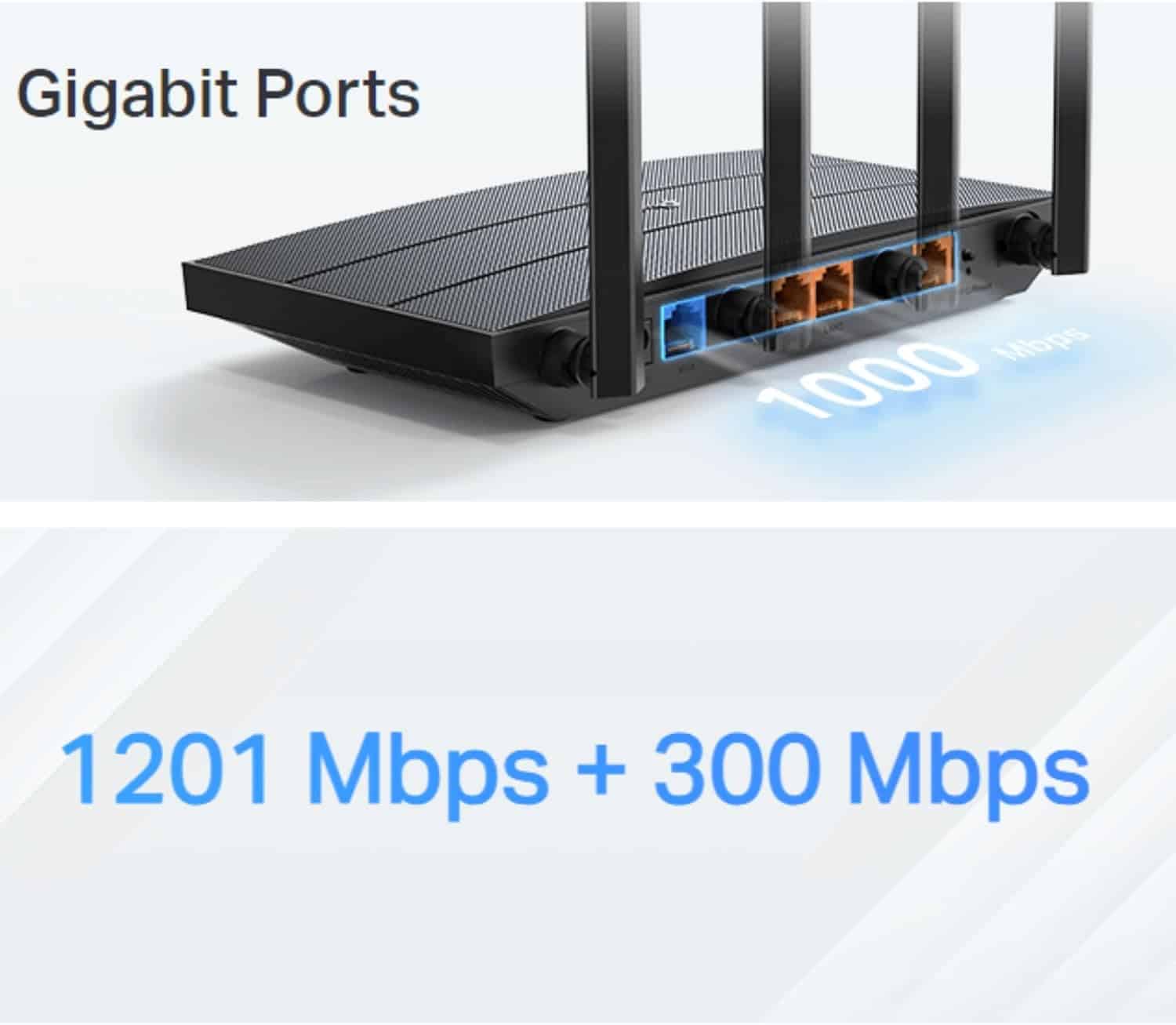
- 2.5 ps Connectivity – 3× 2.5 ps ports ensure max flexibility and boosted throughput
- Coined Backhaul – Use wireless and wired backhaul simultaneously to greatly improve overall throughput and expand coverage
- Multi-Link Operation (MLO) – Simultaneously send and receive data across different bands and channels to increase throughput, reduce latency, and improve reliability
- 320 MHz Channels – Double the bandwidth and enable many more simultaneous transmissions at the fastest possible speeds
- TP-Link HomeShield – Provides comprehensive network protection, robust parental controls, and real-time IoT security
- Universal Compatibility – Backwards compatible with all WiFi generations and works with any internet service provider (ISP) and modem


Fast, Reliable Network Anywhere

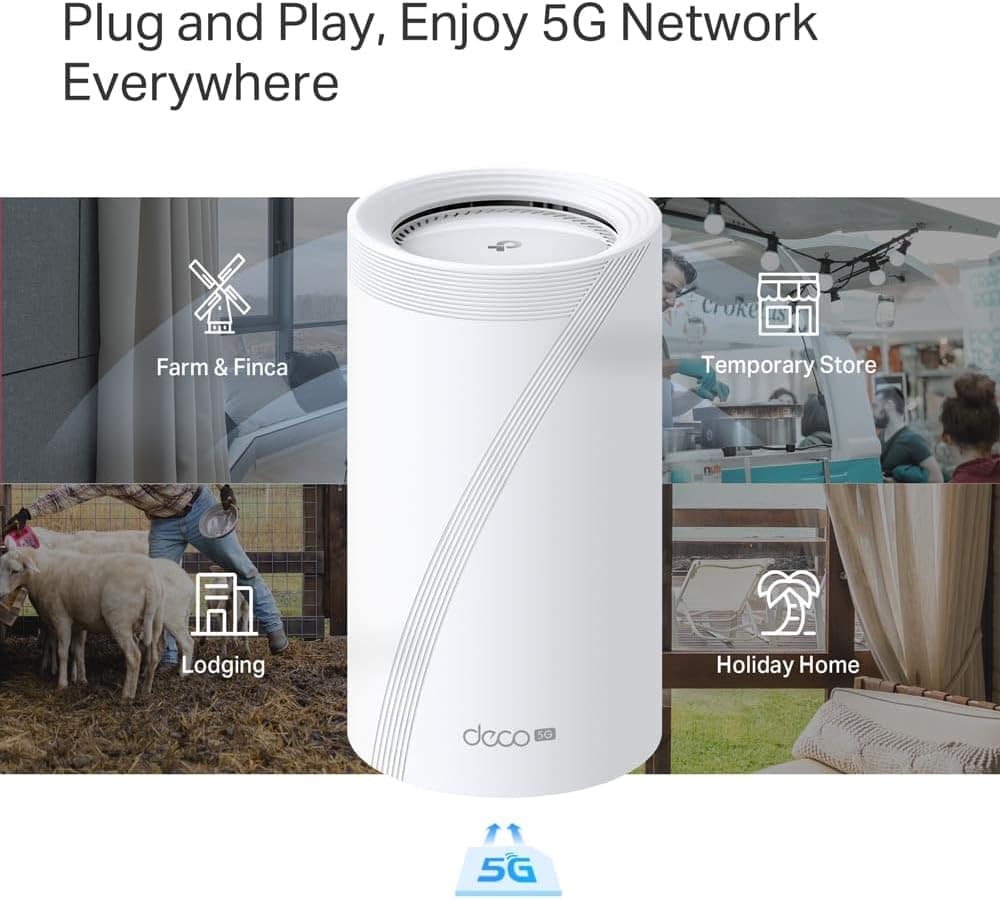
Plug and Play, Enjoy 5G Network Everywhere
Traditional broadband is costly and slow to install for vacation homes, farms, or temporary spaces. Long contracts add hassle for short-term rentals and pop-up venues. Deco BE65-5G offers easy, no-block network setup—just plug in your SIM card and enjoy high-speed internet!

Ultra-Fast 2.5 Gbps Wired Performance
3× 2.5 Gbps ports maximise home internet speeds with up to 2.5× the wired speed of a typical Gigabit Ethernet port. Connect your favourite wired devices to Deco BE65-5G and begin the smooth game!
Enhanced Security & Seamless Smart Connectivity

Private IoT Network for More Security
Set up a separate Wi-Fi for IoT devices and overlay HomeShield and advanced WPA3 encryption to better protect the security of your home network and IoT devices.

Seamless AI-Driven Mesh
Deco Mesh forms a unified network with a single network name. With built-in AI-Roaming technology, it creates the ideal Wi-Fi solution with its advanced algorithms and self-learning. Walk through your home and enjoy seamless streaming at the fastest possible speeds.

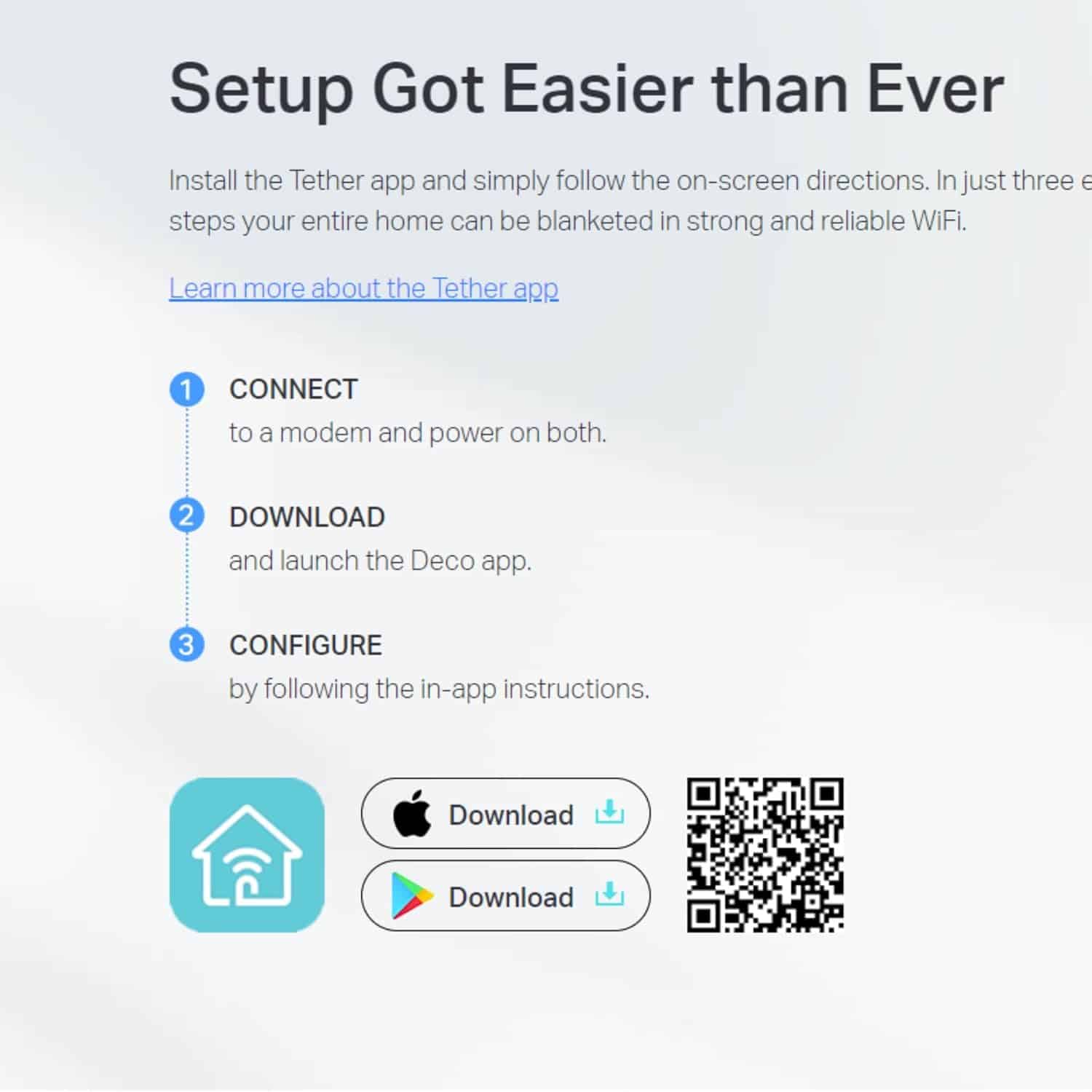
Simple. Easy. Yet Powerful.
Set up and manage your network anytime with the TP-Link Deco app. Cover your entire home in strong, reliable Wi-Fi in just three easy steps.

Easy Management
Manage your Wi-Fi at home or away on the Deco app. See every connected device, prioritise your own, and set up a guest network.

Voice Control
Use an Amazon Alexa or Google Assistant-enabled device to control Deco BE65-5G with just your voice.

All Decos Work Together
Deco BE65-5G is compatible with every other Deco model to form a Mesh network. Expand Mesh Wi-Fi coverage anytime by adding more Decos.
| Weight | 2.55 kg |
|---|---|
| Dimensions | 12.8 × 12.8 × 23.6 cm |
| Brand | TP-Link |
| Product Dimensions | 12.8 x 12.8 x 23.6 cm; 2.55 kg |
| Item model number | Deco BE65-5G(1-pack) |
| Series | Deco BE65-5G(1-pack) |
| Colour | white |
| Operating System | Omada |
| Item Weight | 2.55 kg |
| Guaranteed software updates until | unknown |
| ASIN | B0DY1RC9ZQ |
| Date First Available | 21 Feb. 2025 |
| Manufacturer | TP-Link |
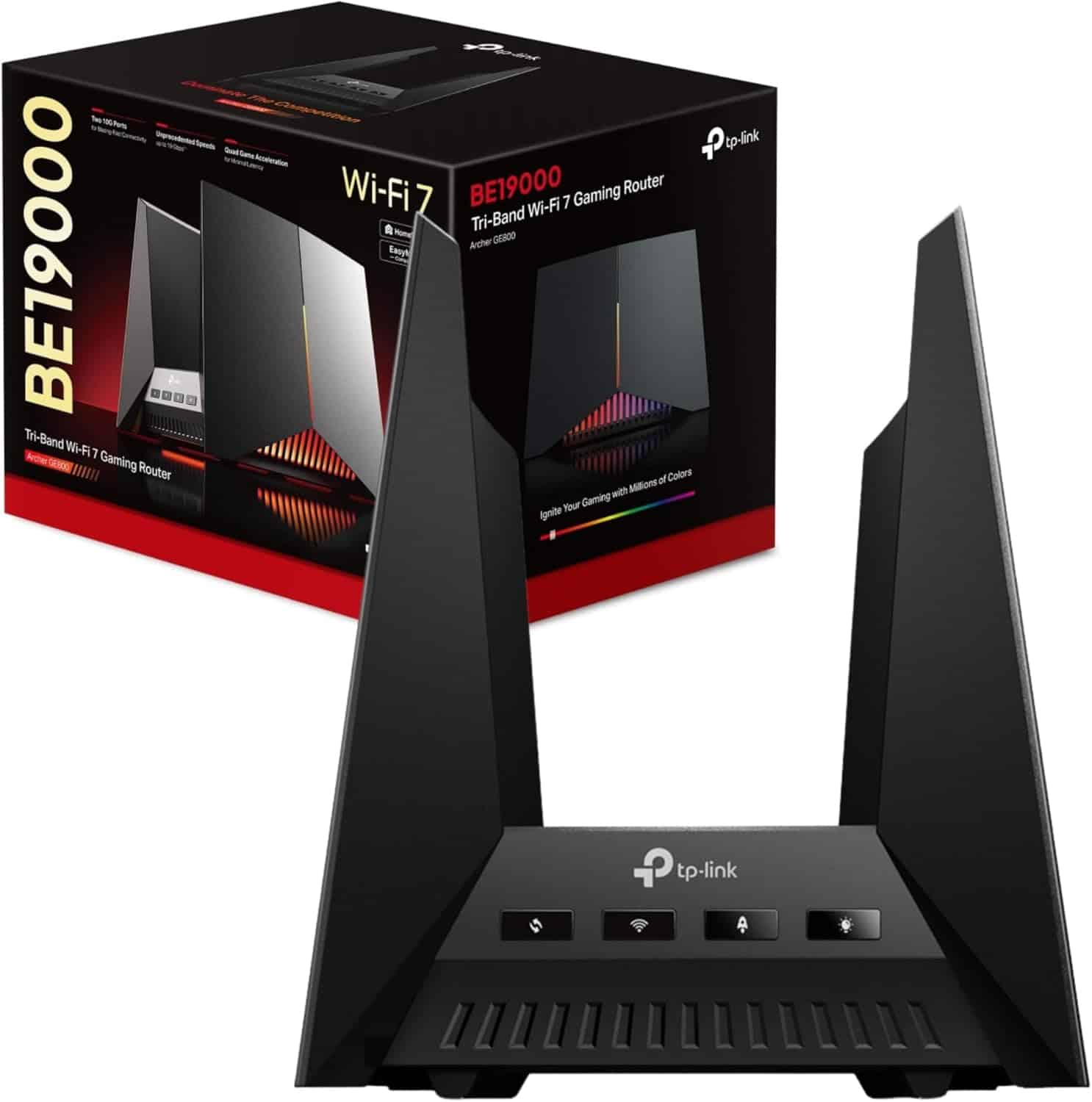
| Style Name | 5G BE9300 WiFi 7, AX1500 Mbps WiFi6 Gigabit, New, BE19000 WiFi 7 Gaming, N300 Mbps |
3 reviews for 5G Whole Home Mesh Tri-Band AI-Driven WiFi Booster Router
You must be logged in to post a review.


Related products

Lepro B1 AI Smart Bulb E27 – Music Sync Bluetooth & Voice Control
Price range: £9.33 through £25.73 Select options This product has multiple variants. The options may be chosen on the product page
WORX WR169E Landroid AI-powered Robotic Lawn Mower
Price range: £477.11 through £1,011.99 Select options This product has multiple variants. The options may be chosen on the product page
SEGWAY NAVIMOW i105e AI Multi Zone Robotic Mower
Original price was: £1,295.80.£1,208.90Current price is: £1,208.90. Add to basket
Kaysuda SP300 AI Bluetooth Speakerphone
Price range: £51.07 through £142.99 Select options This product has multiple variants. The options may be chosen on the product page

AI Smart Bluetooth 5.4 Speaker with HD Touch Screen
Original price was: £30.20.£21.14Current price is: £21.14. Select options This product has multiple variants. The options may be chosen on the product page
Lepro TB1 AI Table LED Lamp Works with Alexa & Google Assistant
Original price was: £76.99.£69.29Current price is: £69.29. Select options This product has multiple variants. The options may be chosen on the product page
Lepro BP1 AI Smart Bulb E14 – 4 Packs
Original price was: £37.39.£29.69Current price is: £29.69. Select options This product has multiple variants. The options may be chosen on the product pageOut of stock

Nicoo AI-Enhanced Robot Dog for Adults – Realistic Robot Puppy
£24.02 Select options This product has multiple variants. The options may be chosen on the product page
Wavy Davy –
Good product
someguyfromcanada –
Great
Great. Works. Easy set up. Cheap. No complaints
Tech Gyan Geek (YouThubar) –
Best for budget and connects you to the internet with not any hassle……
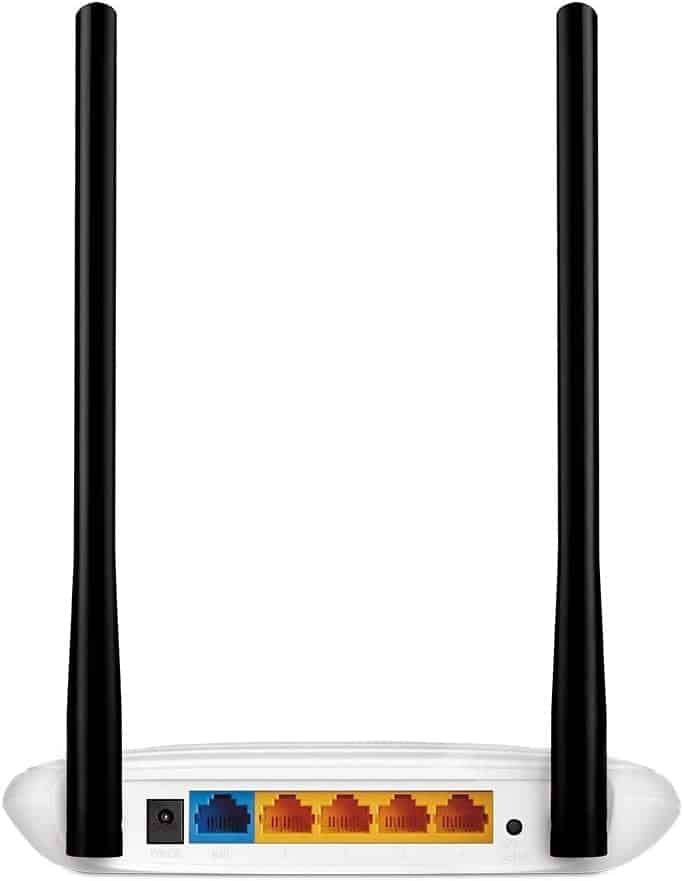
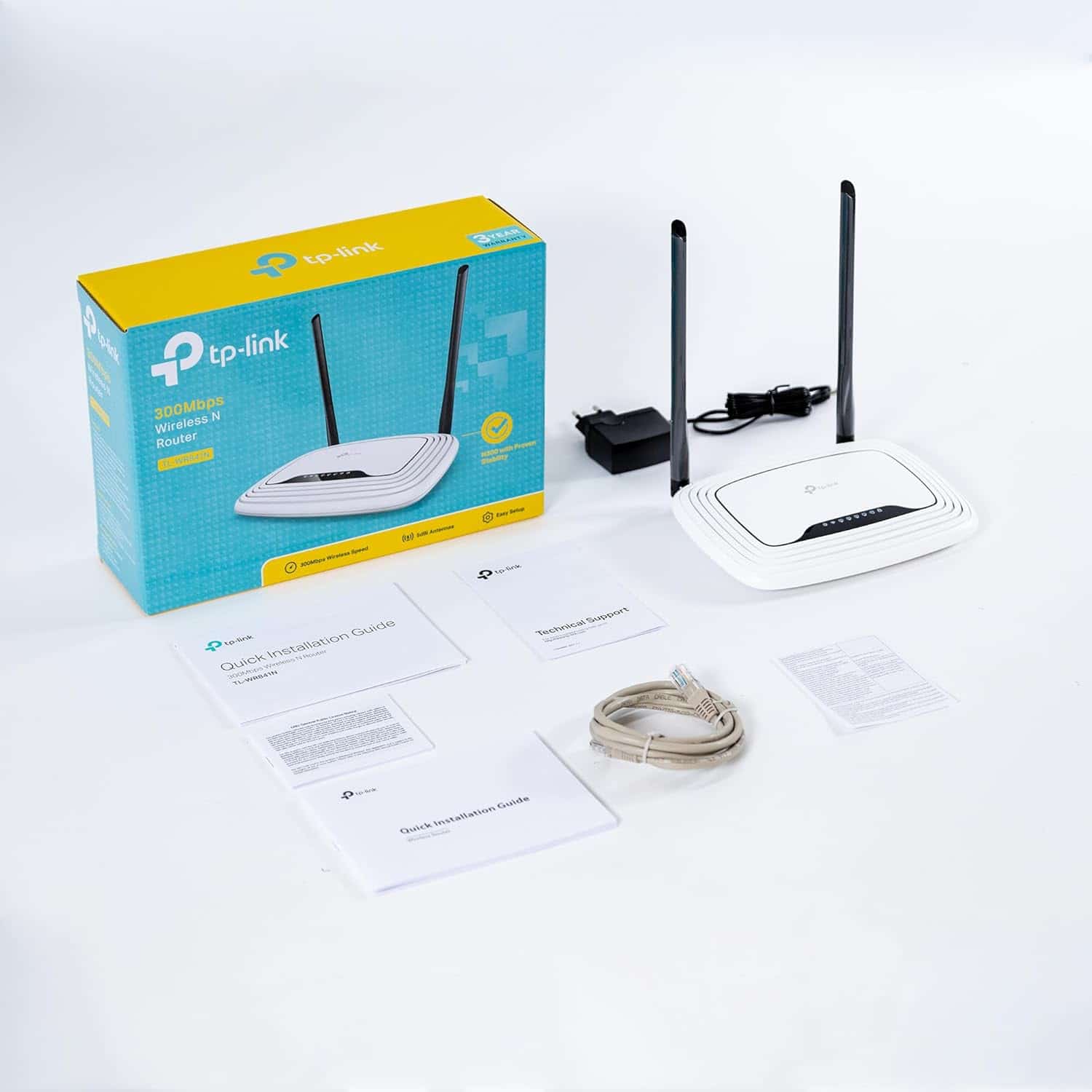
TP-LINK TL-WR841N 300Mbps Wireless N RouterThe Tp-link TL-WR841N 300Mbps router is actually a good router in terms of pricing and internet connectivity speed which is now provided by modern ISP’s having fibre. It can be connected via the RJ-45 Jack present on the back of the router having blue port. In terms of range it performs well according to my needs. I have a 3BHK and 2 storey house and router almost provides effective connection in almost all rooms and kitchen and on the rooms of 2nd floor effectively with as low as 1 bar(very far from the router) and with as high as 5 bars(near the router in my bedroom).I have a good internet connection and I almost connects two to four devices at a time and its bandwidth maintenance is good without any connection failure.So in terms of performance of this router according to the price point I’ll give it 5 Stars.PROS are :1)Two powerful antennas :Dual high gain antennas with 5 dBi capacity for better operation at around 100 meters away from the router.2)Compact size : not very bulky kinda look so place it anywhere but be sure to keep it in a open areas or to the place from where you can see most of your rooms in which you will gonna operate and also keep it in a above the ground.3)Wifi toggle and WPS/Reset switch : If you wanna use the wifi of course you should turn the wifi on and if not then with a push of a button you can turn it off.If due to some reason you don’t like to mess with the wireless functions then with a push of WPS switch you can connect your wireless devices without accessing the router configuration screens, and without the wireless network security key/passphrase/password.If you forgot your admin password,wireless pass and other security stuffs or you have end up messing with the router the you can prefer to push and hold the WPS/Reset switch for a while which will turn the router back to its original condition.4)Led Indicators : 8 LED indicators constantly indicating you about the router activities with one power then wireless connectivity then 4 for 4 physical LAN ports and one for Internet activity and last for WPS.5)UPTO 300Mbps : Router can handle internet speeds upto 300Mbps(37.5 MBps theoretically but actually supports more than 50MBps connection flawlessly).6)New Features : New features are added in new v10.0 and v11.0 routers having WDS(which helps in making a bridge between two routers to extend the range in all around the house where network is weak) and Guest network ( creating a separate network to share datas with others safely) and Tp-link Tether to control the router wirelessly.7)WPA2 encryption : to secure the wifi network from being hacked or misused by unwanted users.AND more features you will find which I can’t explain…..So according to my opinion don’t look around in search of best cuz best is here….GO FOR IT!!!Cons : Nothing I’ve found till using it from about 10 days.So don’t loose this.Go for it!!Thanks! have a nice day……