




PenPower AI Voice Writer – Dictation & Writing Assistant for Windows & Mac | USB Dongle & Mobile App for Voice Input, Proofreading, Rewriting & Multilingual Support
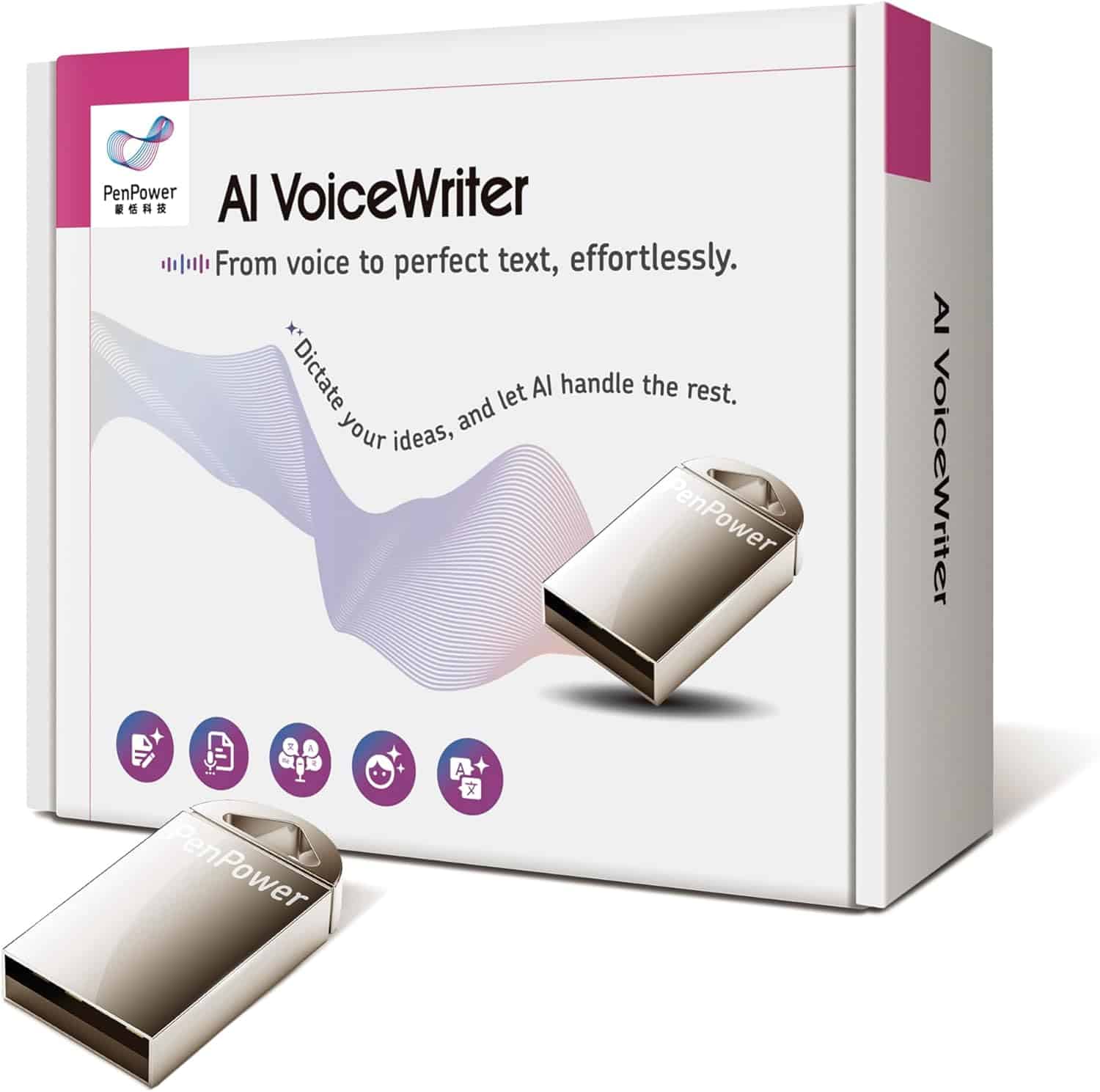
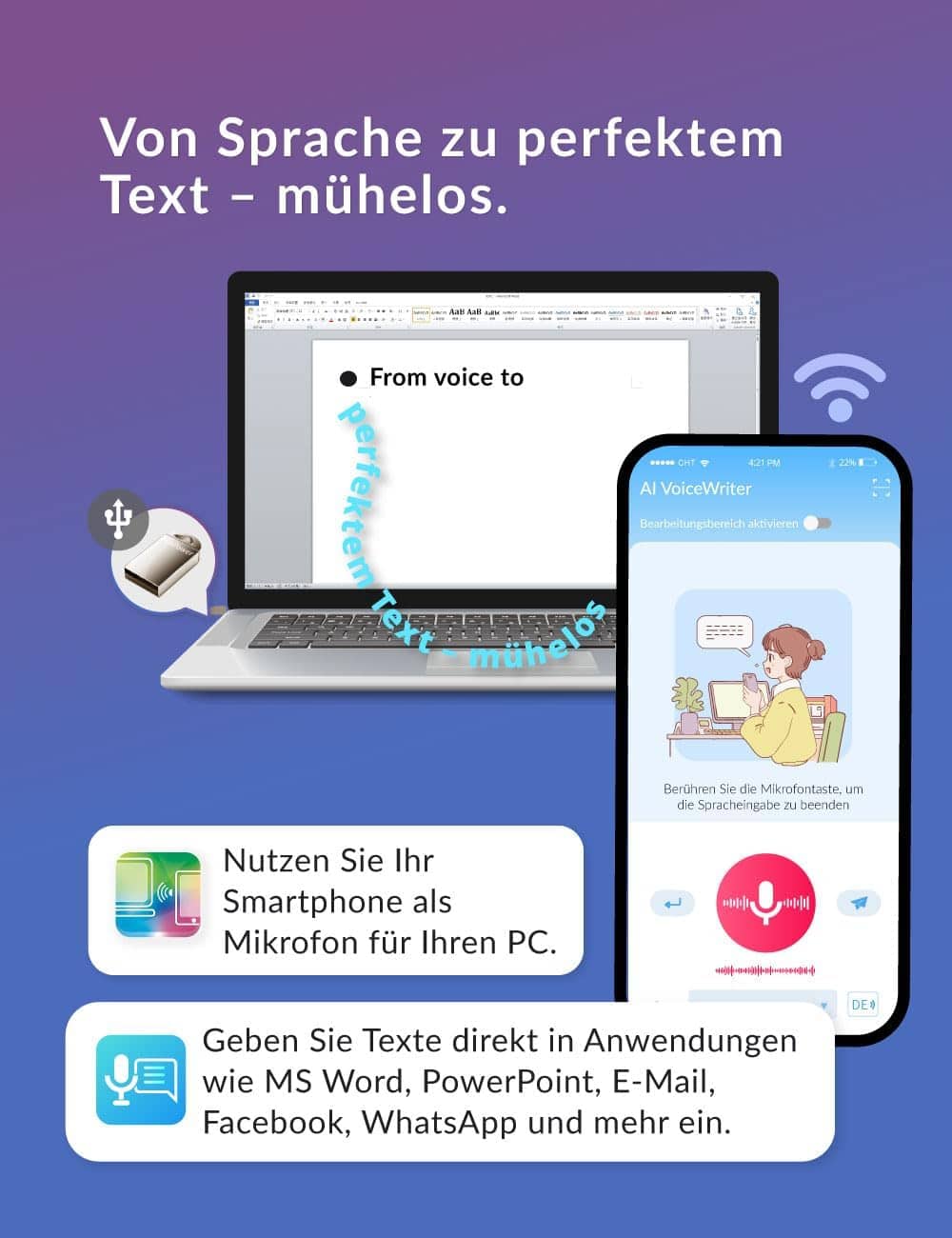
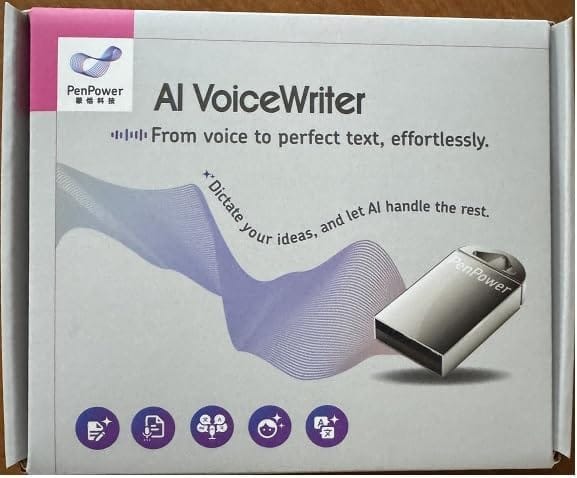
Have you ever been troubled with imprecise voice typing on your laptop? Do you want to use voice typing on PCs? PenPower AI VoiceWriter is a voice dictation solution with AI assistance for PCs. The voice writer equips a mobile app to recognise every word you speak, and a plug-and-play USB dongle to turn your speech into text and input to any software on your PC, such as Notepad, MS Word, Google Docs, Skype, WhatsApp, and more.
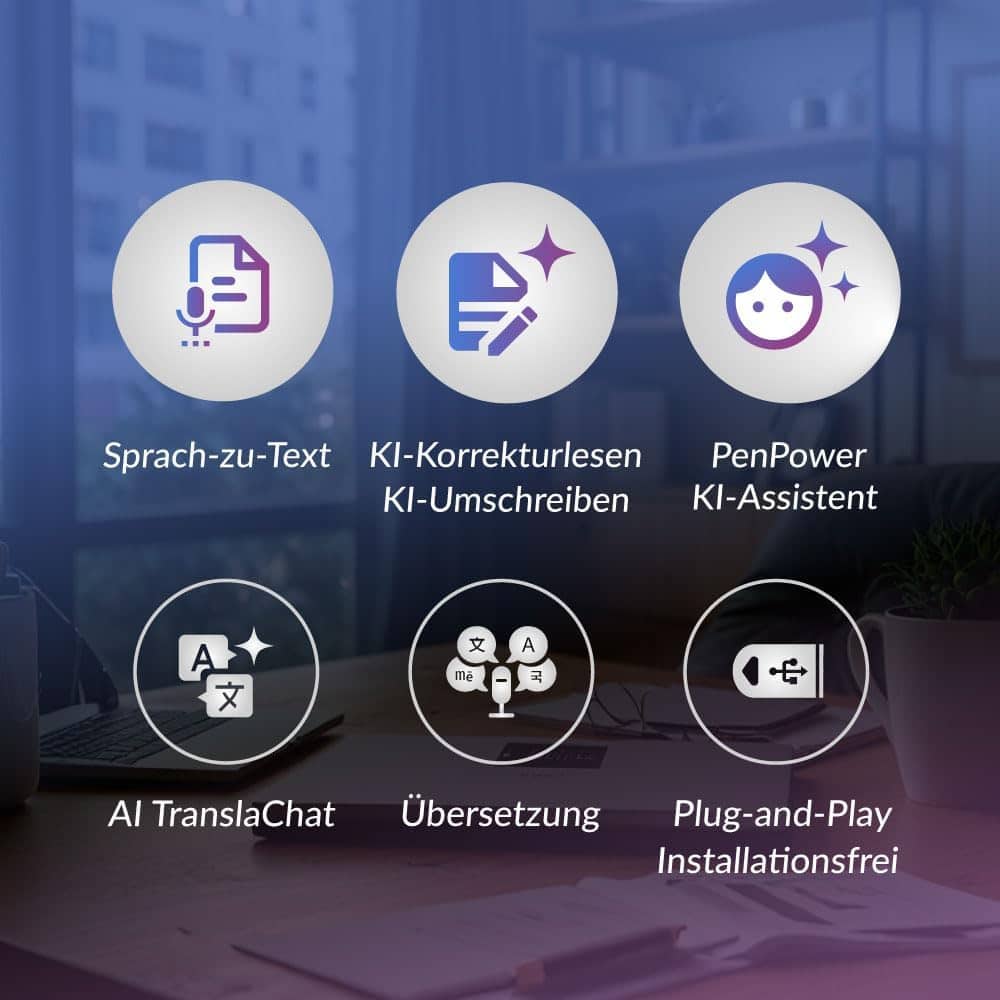
- ️ Hands-Free Voice Typing for Windows & Mac – Powered by iOS & Android dictation technology, AI VoiceWriter allows fast, accurate speech-to-text directly on your desktop. Simply speak, and your words appear in real time. Compatible with Windows 10 & above, macOS 13 & above.
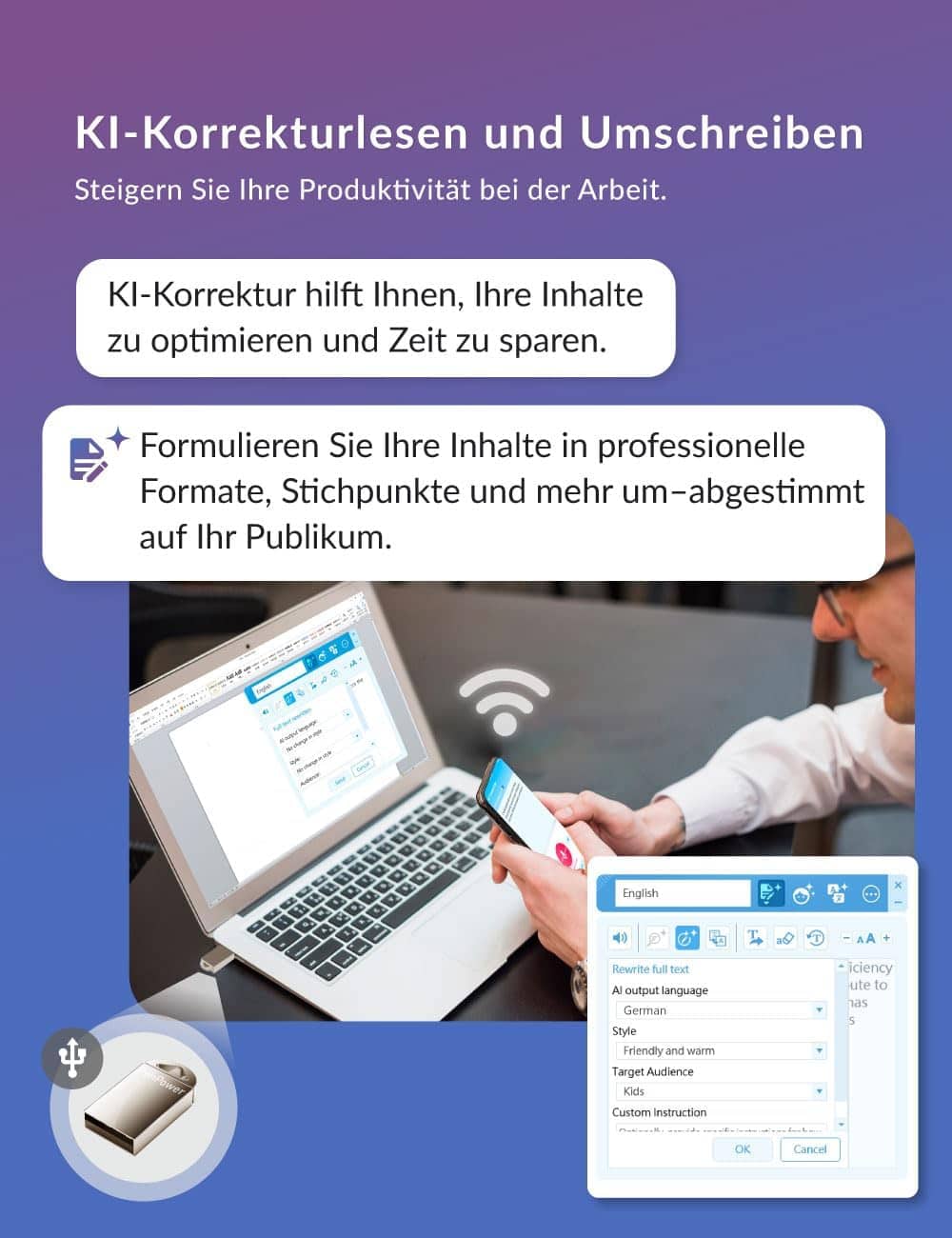
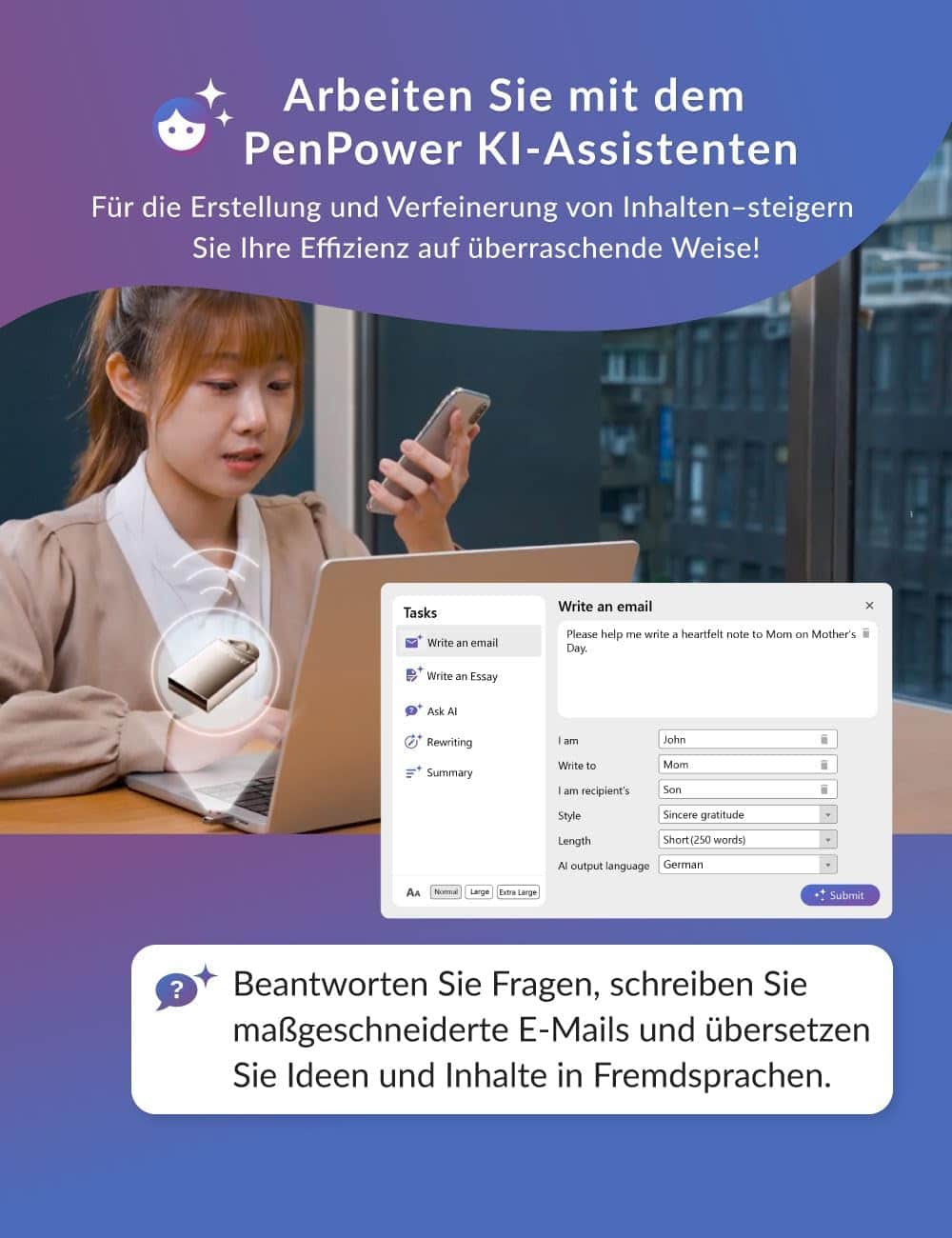
- ✍️ AI Writing Assistant for Effortless Editing – Boost productivity with AI proofreading, rephrasing, and formatting. Perfect for emails, reports, creative writing, and professional content.
- Works Seamlessly in Any Desktop App – Type with your voice in Microsoft Word, Google Docs, PowerPoint, Teams, emails, and more. Just place your cursor in any text field and start speaking!
- Mobile App for Enhanced Voice Input – The AI VoiceWriter mobile app enhances voice recognition by using your phone’s microphone as an input device for clearer, more accurate dictation while typing on your desktop. Supports iOS 15 & above, Android 9.0 & above.
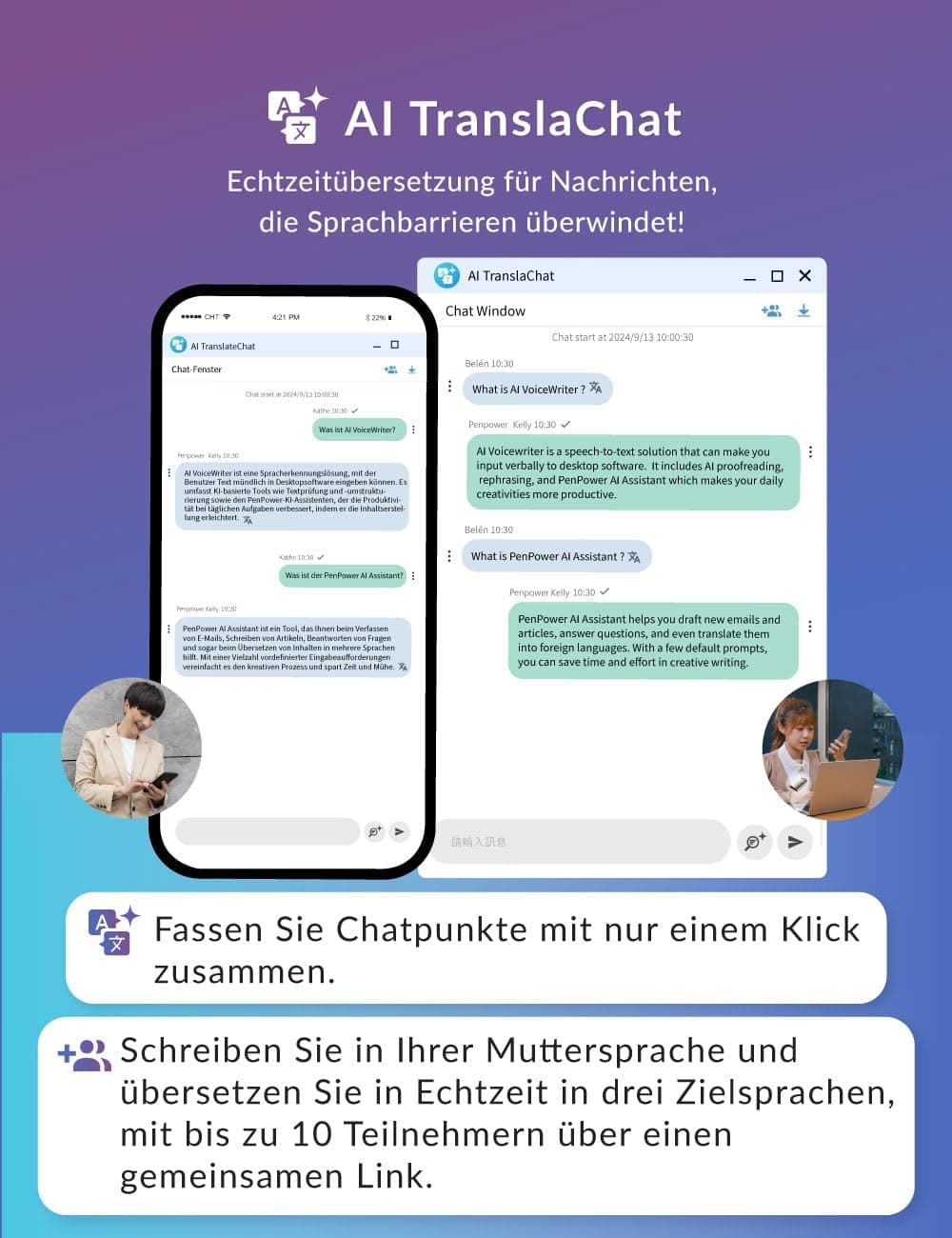
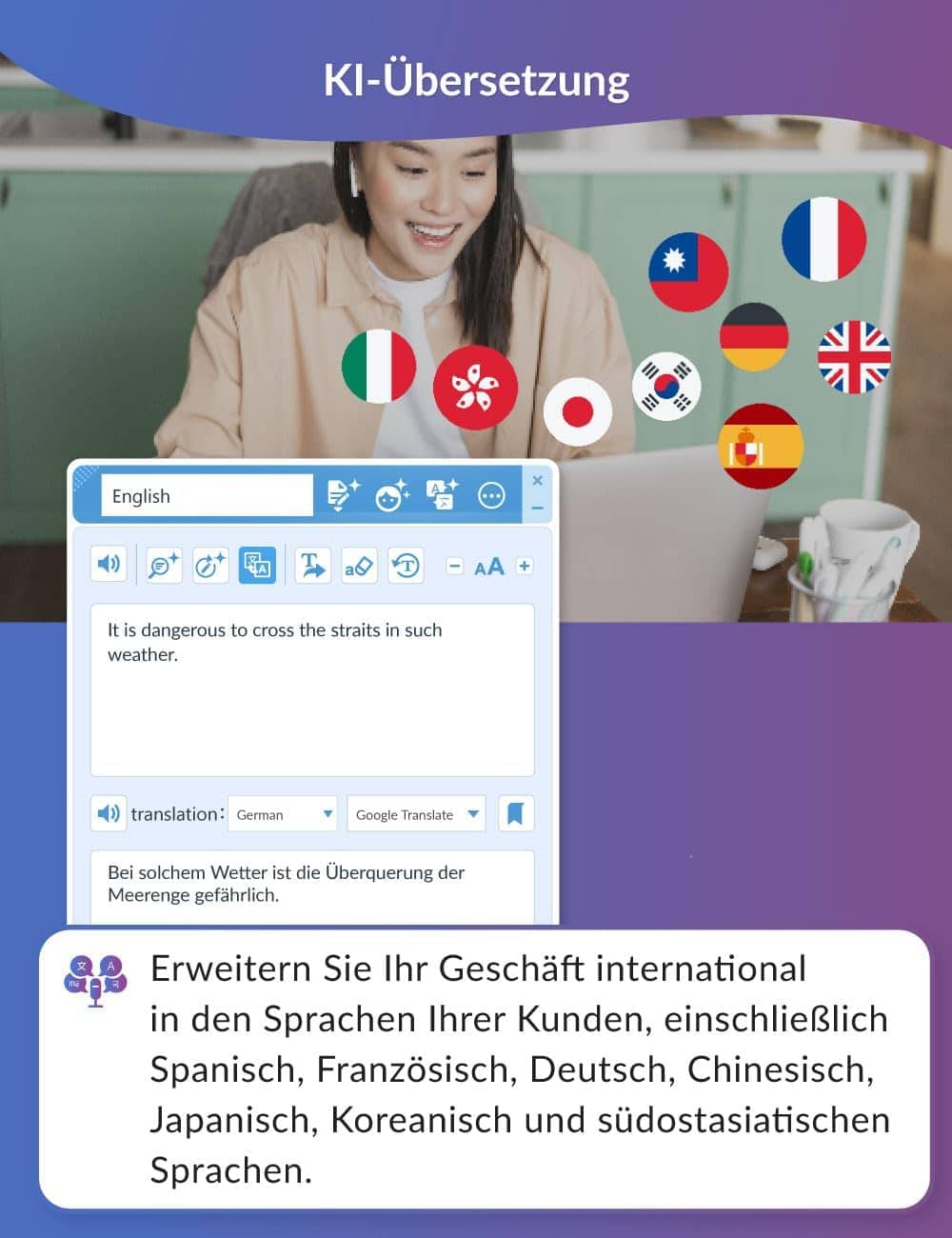
- Multilingual Voice Typing & AI Assistance – Supports 33 languages for dictation, plus AI-powered features in Chinese, English, Japanese, Korean, French, German, Spanish, Italian and Swedish.
- One-Time Purchase – No Subscriptions – Get lifetime software updates and the latest enhancements without extra fees.
- [How To Use] – 1. Plug the USB dongle into your laptop or desktop 2. Download the AI VoiceWriter mobile app on your mobile phone 3. Turn on one of the text processing software programs you’d like to use to input 4. Start speaking out about your ideas and inspiration. 5. Supported OS: Android 9.0 or above, iOS 15 or above, Windows 10 or above, Mac OS 13 or above.


Robert –
More than just Voice to Text
Being in the media business, you’re always looking for shortcuts when it comes to finding the best way to provide a service to your clients. Voice recorder apps on my phone have been a much needed app. With the ability to record a client session there’s no better note taking than recording the conversations. This comes in handy when it comes to script writing ideas or where a camera should be setup during an event and what subjects to emphasize on location.I’ve been happy with most but still was on the lookout for a better app that could give me voice to text without the need to fix too many of the ‘translated’ words.Having come from a journalistic background, I’ve never had a problem writing. Though at times I could find myself struggling to find that right word or phrase to really get a point across. I don’t want to rely on AI to do the entire workload but what I liked about AI VoiceWriter is that when tasked with taking my spoken words and give it an AI boost, I was happy with the results. My core message was the same but the AI found those right phases or words to make me sound like I knew what I was talking about.Going deeper in the app with its other AI features, I found some useful options to help create business promotional emails.I also played around with some potential script writing options with the Essay function. Of course I could use any AI Chat to create the same workflow but what I like here is having it all in on app on the desktop.Being able to change the tone of the text from a business/professional tone to something humorous or other options also helped to vary that same text for different uses.I would agree with other reviews here that the need for a Dongle could be limiting with it having to be tied to a PC, for me its less of an issue since I’m rarely without a laptop when on site for a job or meeting with a client.Overall coming across AI VoiceWriter I see this as a tool that will help enhance a lot of the mundane tasks us small business owners encounter. Five Stars not because of the Voice to Text ability but the AI Options give this that boost to Five Stars.
Mike Bojic –
Not fit for purpose
Not fit for purpose, very limited in capacity and transcribing is a nightmare, completely inaccurate leaving me with hours of work in proof reading and in transcribing it misinterpreted many words as swear words, disgusting product, want my money back.Microsoft Word does a far better job.
AIMartz Customer –
impaired software capabilities
that software cannot recognize or understand Arabic language, and the advantage of the correction tools found only for the English language, and not allowed for the Arabic languagelastly every software, you can use it on your desktop or laptop. Here, you allowed only one use of it, on one computer only
Steven Bland –
Best buy
Love it helps me a lot
Tried&Tested –
Might Be Useful – Confusing Setup
I’m trying to do a review for the IR voice writer the phone app and computer software . is a bit frustrating it doesn’t pick up my voice very well and leaves outwards out words but if I I think it might be very helpful . spent time now just trying to install the app and the software was out of date . I had to work that out and now I’m having trouble sending it from my phone to the laptopphone app jammed and would not send so I had to restart they program on the computer now it seems to be sending okay .I’m sure if I spend enough time on it I will get it worked out and it might actually be beneficialthis was all done without any editing except paragraph spicing . it would be legibleActual output ^^ without any editing.So…this teeny device took quite a while to set up as the software was out of date and directions and scan codes were confusing. I am using English (Aus) as I thought it might work better for my accent but maybe the US version would work better, as I have been in the US for many years.It didn’t pick up all of my words, so I had to repeat some and when I put the periods ‘.’ in, it left a space after the word.It does have some options like ChatGPT but I don’t think I will be using those. I just want a quick way to write reviews when I need to instead of my limited typing skills. I will keep practicing with it. Not sure I would spend $70 on it, though.